Two Types of People Who See Your Listing
Your listing reaches two audiences: licensed real estate agents, who search the MLS itself, and the general public, who browse consumer websites. Each audience sees different details and reaches you in a different way.
Realtors (Licensed Real Estate Agents)
Agents use the MLS to match homes with their buyers. Your listing gives them the contact information and showing instructions you provided.
With those details, an agent can reach you by phone, text or email — whichever your instructions allow — to set up a showing, ask about the property or talk through an offer.
Your MLS listing proof lets you see exactly what agents see.
Agents searching Tennessee MLS systems can use these details to schedule showings, ask questions and discuss offers directly with you.
Non-Realtors (The General Public)
Shoppers without MLS access usually come across your home on Zillow, Realtor.com, Redfin, Homes.com or a similar site.
Those sites typically show the listing brokerage's phone number, not your personal number.
Calling the Listing Brokerage
Buyers who call the brokerage's published listing number can use the automated routing system where supported. Depending on the listing and brokerage, the system identifies the property by house or property number, ZIP code, or MLS number and connects the caller with the seller. A call may also be handled by the brokerage.
Included brokerage call routing — $0
Basic automated buyer-call routing through the listing brokerage’s phone system is included at no additional charge where supported. You do not need to purchase the Call Forwarding upgrade to receive buyer calls through this included system.
Optional Call Forwarding upgrade — $50
The optional upgrade forwards calls placed to the listing office phone number published with your MLS listing to your preferred phone number. This is a separate forwarding service, in addition to the included automated property-identification routing. It does not redirect messages submitted through third-party website inquiry forms or tour buttons.
ShowingTime — a separate optional service
ShowingTime ($50), where offered, helps manage agent showing requests and appointments by text or email. Its setup and availability depend on the participating MLS office; it is separate from brokerage call routing and Call Forwarding.
Compare optional services on our listing packages page, or contact us with questions about buyer calls.
Using Zillow or Realtor.com's Contact Buttons
Buttons like "Schedule a Tour", "Contact Agent" and "Request a Tour" belong to the website, not to you or the brokerage. The site decides where those requests go, and they often reach a participating buyer agent who works with that site rather than the seller or listing brokerage.
Website-generated inquiries are separate from calls placed to the listing brokerage's published telephone number. Clicking a tour button is not the same as calling the brokerage's routing system.
Each website sets its own page layout and contact options, so what buyers see can differ from site to site.
Whose Contact Information Is Displayed on Zillow?
Sellers often ask whether buyers can still reach them once their home appears on Zillow as an MLS listing instead of a For Sale By Owner post. The two examples below compare what each type of listing shows and how an inquiry finds its way to you.
Illustrative example — not an actual website or listing
 For Sale By Owner
$415,000
3 bd · 2 ba · 1,860 sq ft
1428 Example Meadow Lane, Sampleton, TN
Contact Property Owner
Property owner
(615) 555-0100 · example only
Owner-posted listing
When owners post a home on a consumer site themselves, the site may show their phone number or offer a way to message them.
Illustrative example — not an actual website or listing
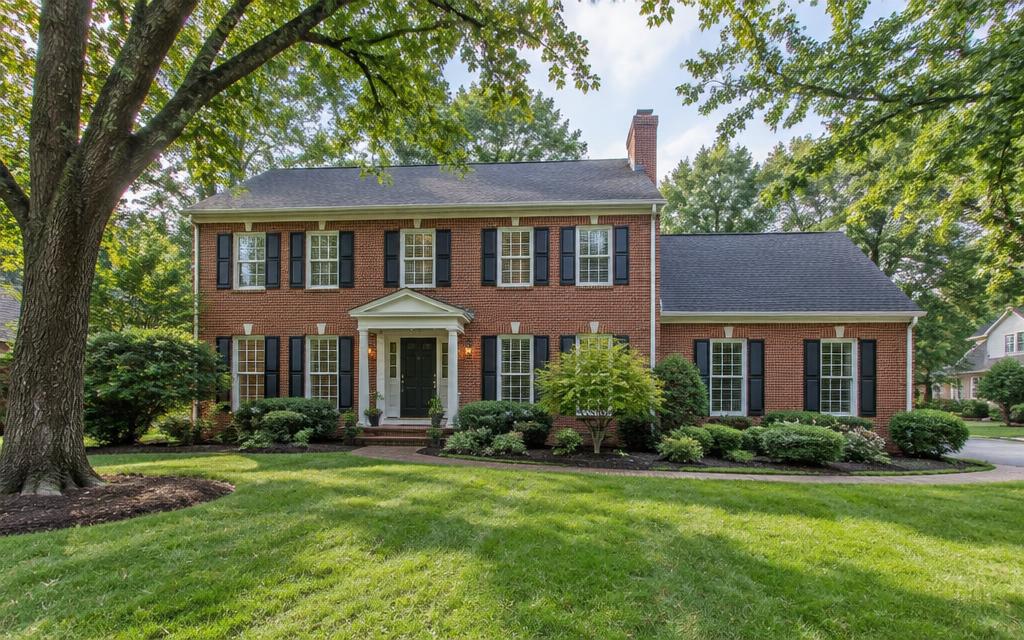 Listed Through the MLS
$489,900
4 bd · 3 ba · 2,340 sq ft
207 Sample Oak Court, Exampleville, TN
Listing provided by: Example Listing Brokerage
Listing Brokerage Contact
(615) 555-0101
The published brokerage phone number provides a way to inquire about the property.
Website Tour Request
Request a TourThe website's own contact feature may connect the buyer with a participating agent.
MLS-listed property
For MLS listings, consumer sites usually name the listing brokerage instead of showing the seller's own contact details. Tour-request or agent-contact buttons are separate and may route buyers to participating agents.
Common Buyer Contact Scenarios
Six situations you're likely to run into after your listing goes live, and how each contact typically reaches you.
A Realtor Finds Your Property in the MLS
An agent spots your home while searching the MLS. Your contact details and showing instructions are right there, so the agent can reach out to book a showing, ask questions or discuss an offer.
Learn how your property gets listed in our four-step MLS listing process.
A Buyer Finds Your Property on Zillow
A shopper sees your home on Zillow. Your personal number generally isn't shown, but the listing brokerage's number is, and the buyer can call it to ask about the home.
A Buyer Calls the Listing Brokerage
A buyer dials the brokerage number shown with your listing. Depending on the brokerage, the automated system passes the call to you or the brokerage takes it.
A Buyer Clicks “Schedule a Tour”
A buyer taps Zillow's “Schedule a Tour” or “Contact Agent” button. Zillow runs those features, and the request may go to a buyer agent on its platform instead of to you or the listing brokerage.
A Buyer Finds Your Property on Realtor.com or Redfin
A buyer finds your listing on another home-search site. That site may show the brokerage's number next to its own inquiry buttons, and where the message lands depends on which one the buyer picks.
A Realtor Wants to Submit an Offer
A buyer's agent is ready to make an offer. The agent follows the contact and communication instructions in your MLS listing to reach you and work through the offer.
Have questions about offers or buyer-agent commissions? See our frequently asked questions.
Tennessee
Agents Contacting You in Tennessee
Tennessee real estate licensees are regulated by the Tennessee Real Estate Commission. When an agent contacts you, ask for their name and brokerage and keep their contact details with your listing records.
Your MLS listing supplies agents with the seller contact information and showing instructions you provide. Review those details in your listing proof and send updates when your preferred contact information changes.
For the full listing process, read our 4 Simple Steps. Explore the regional systems on our Tennessee MLS Coverage page or find more answers in our FAQs.
Ready to list your Tennessee property? Compare listing packages or contact us with questions about how buyers reach you.
For more on managing your sale, read our home selling guide.